
Website Launch Checklist for Small Business: Every Step from Domain to Go-Live
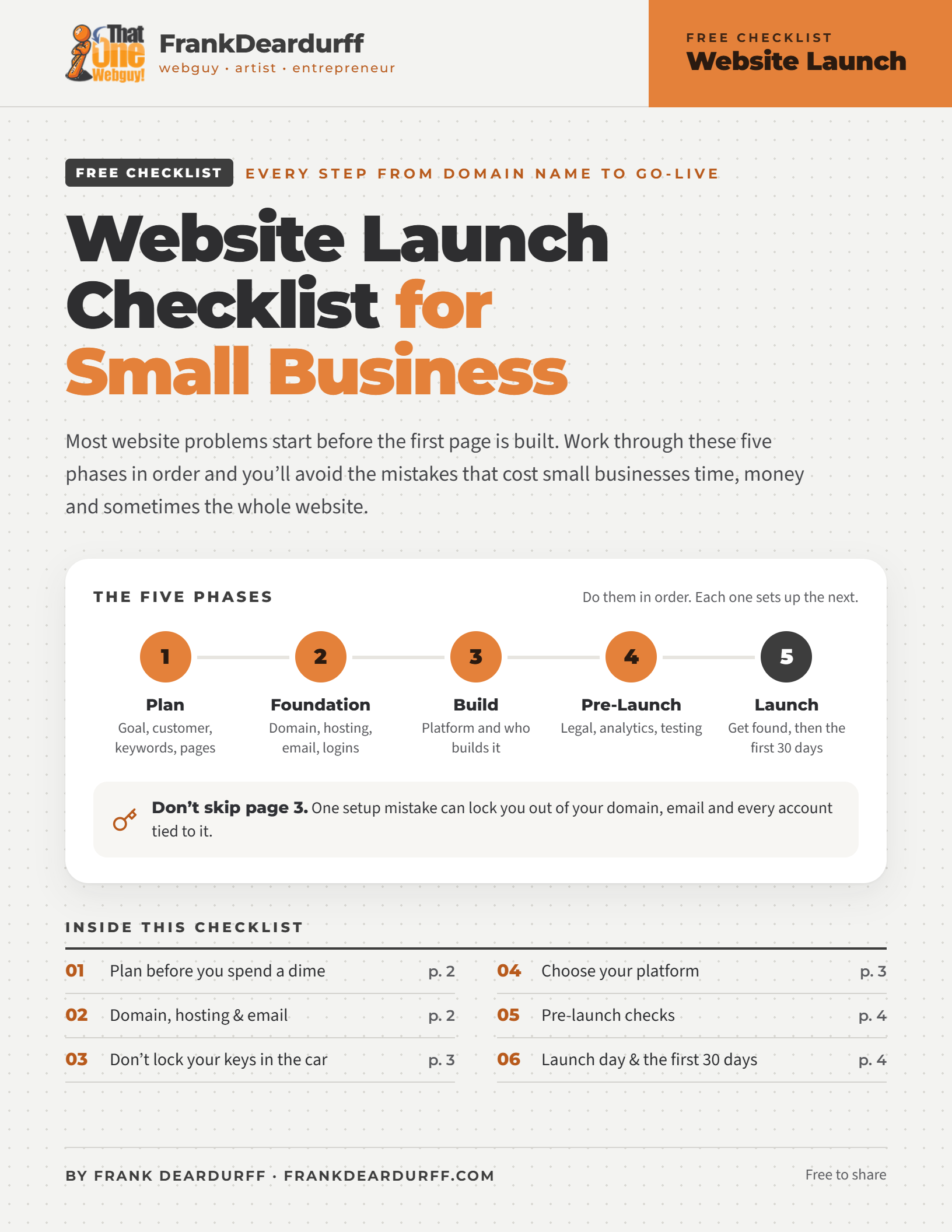
Free 4-page checklist · every step from domain name to go-live
Most website problems start before the first page is built. A domain registered in the wrong name, a platform you outgrow in a year, a contact form nobody tested. Work through these five phases in order and you’ll avoid the mistakes that cost small businesses time, money and sometimes the whole website.
Download the free PDFThe five phases
Do them in order. Each one sets up the next.
Plan
Goal, customer, keywords, pages
Foundation
Domain, hosting, email, logins
Build
Platform and who builds it
Pre-launch
Legal, analytics, testing
Launch
Get found, then the first 30 days
Phase 1: Plan before you spend a dime
A website without a plan is just an expensive brochure. Answer these first.
- Define the one main goalCalls, bookings, sales or leads. Every page should move visitors toward it.
- Describe your ideal customerWho they are, what problem they have and what they need to hear to trust you.
- List 5–10 target keywordsThe words customers actually type into Google, not industry jargon. Add your city if you serve a local area.
- Map your pagesStart with Home, About, Services and Contact. Add only what your goal needs.
- Decide who writes the contentMissing content is the number one reason website launches stall.
- Gather your brand assetsLogo, colors, fonts and real photos of you, your team and your work.
Phase 2: Own the land and the building
Your domain is the address and your hosting is the building. Make sure both are yours outright.
- Choose a domain nameShort, easy to spell and easy to say out loud. Get the .com if you can. Just Ask Domains can help.
- Register it in the business owner’s nameNot your webmaster’s, not your designer’s, not your nephew’s. Whoever’s name is on it owns it.
- Choose your hostingConfirm it includes an SSL certificate, daily backups, email and real human support.
- Set up a professional emailyou@yourbusiness.com builds more trust than a free email address on your business card.
- Store every login in a password managerRecord the registrar, hosting, email and website admin, plus who has access to each.
Before you go on
Which email did you use to sign up for your domain and hosting? If it ends in your new domain name, read the next section before you go any further.
Don’t lock your keys in the car
This is the mistake I see most. Someone registers a domain, then uses an email on that same domain to sign up for everything else. One failed card or missed renewal and it all falls like dominoes.
The fix
- Use an outside email (Gmail, Outlook or another domain) for your registrar and hosting
- Make it the recovery email on Google, Facebook and other key accounts
- Turn on auto-renew and keep a backup payment method on file
- Register for multiple years and turn on the registrar lock
- Use an authenticator app for two-factor login, not just email codes
Phase 3: Choose for where you’re going
Pick your platform
Use the comparison below.
Decide who builds it
DIY, a freelancer or done-for-you.
Get it in writing
Cost, timeline, revisions and who owns the site.
| WordPress | Wix / Squarespace | Custom HTML | |
|---|---|---|---|
| Best for | Businesses that plan to grow | Very simple sites | One-page or static sites |
| You own it | Yes, move it to any host | No, it stays on their platform | Yes |
| Design freedom | Nearly unlimited | Limited to their templates | Unlimited, needs a developer |
| SEO control | Full | Basic | Full, set by hand |
| Ongoing cost | Hosting + optional plugins | Monthly fee that rises with features | Hosting only |
| Upkeep | Updates, or managed hosting handles them | Handled, but you’re locked in | Every change needs a developer |
3 questions to ask any webmaster
- Will the domain, hosting and site be in my name, with my own logins?
- What happens to my site if we stop working together?
- Who handles updates, backups and security after launch, and what does it cost?
Phase 4: Check it all before anyone sees it
- Add your legal pagesPrivacy policy, terms, and a cookie notice if you use tracking or ads.
- Install analyticsSo you can see what’s working from day one.
- Cover the SEO basicsA unique title and description per page, alt text on images.
- Test on a real phoneMost visitors are on mobile. A resized browser isn’t the same.
- Submit every form yourselfConfirm the message lands in the right inbox.
- Run a speed testUse Google PageSpeed Insights. Compress large images.
- Check the small detailsFavicon, a helpful 404 page and a social share image.
- Click every link and buttonMenus, footer, phone numbers and email links included.
- Proofread out loudTypos and wrong phone numbers cost trust and customers.
Phase 5: Launch day is the starting line
- Connect Google Search ConsoleSubmit your sitemap so Google finds your pages.
- Claim your Google Business ProfileLocal customers often see it before your site. Link the two.
- Update every listingSocial profiles, directories, email signatures and print.
- Confirm backups are runningFind the latest one and know how to restore it.
- Set an update schedulePlugins, themes and content need regular attention.
- Review analytics at day 30Which pages get visits, and is your main goal being met?
New to Google Business Profile? The free Google Business Profile Playbook walks you through claiming, verifying and setting it up.
Keep it by your desk
Get the free 4-page checklist
All five phases with tick boxes, the domino diagram, the platform comparison and the three questions to ask any webmaster.
Rather skip the checklist?
From the domain name to launch day and beyond, I can handle every box on this list for you, or help with just the ones you’d rather not tackle alone.
More from the free playbook library
The Google Business Profile Playbook, Brand Message Playbook, Subject Line & Preview Text Swipe File and Social Media Size Cheat Sheet, plus prompt playbooks for Microsoft Copilot, Claude, ChatGPT, Google Antigravity, Gemini and Meta AI. See the full library.
Free to share and print. See the copyright and sharing policy. WordPress, Wix, Squarespace, Google and other product names are trademarks of their owners; this guide is independent and not affiliated with them.