
Claude Prompting Tips: A Beginner’s Playbook
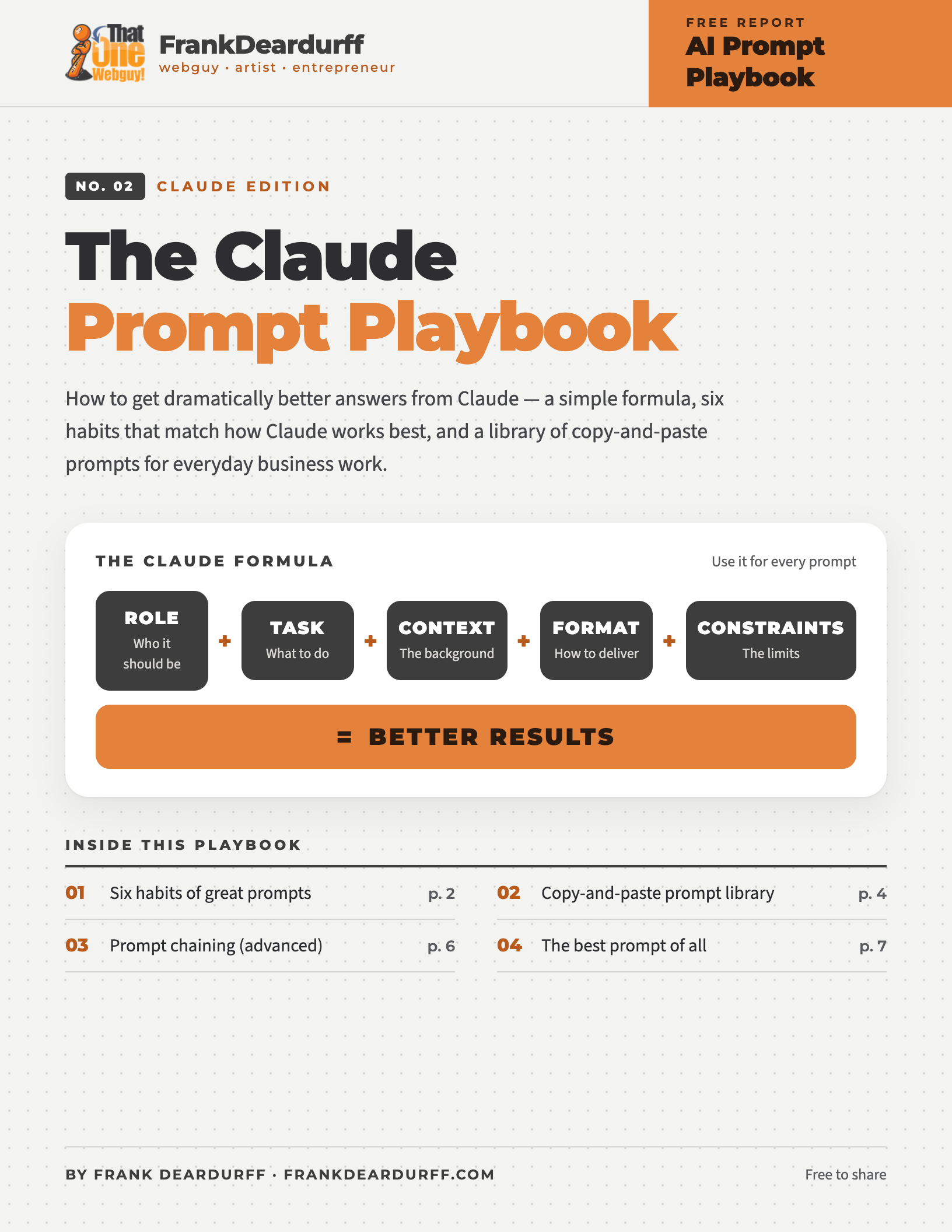
Free 7-page playbook
Claude does its best work when you brief it the way you’d brief a sharp new colleague. This free playbook covers a simple formula, six habits that match how Claude works best, and a library of copy-and-paste prompts, based on Anthropic’s own prompting guidance.
Download the free PDFThe Claude formula
Instead of
Write me a blog post about SEO.
Use this
You’re an SEO strategist. I’m writing for small business owners who are new to marketing, so keep it jargon-free. Write a 1,200-word blog post explaining local SEO with H2 and H3 headings, real examples, and 5 actionable tips at the end. Tone: professional but approachable.
Six habits that get better answers from Claude
Claude is sharp but knows nothing about your business. Test every prompt: could a capable coworker with zero background follow it?
Bad
Create a marketing plan.
Good
You’re the CMO of a 10-person software startup that sells to dental offices. Create a 90-day marketing plan for a [BUDGET] budget and one part-time marketer.
Claude generalizes from your reasons. Give background on your audience, industry, company size, goals, obstacles, and past conversations.
Bad
Never use jargon.
Good
Avoid jargon — this goes to clients who aren’t technical and stop reading the moment they get lost.
Claude reads labeled sections especially well. Wrap each part of your prompt in a simple tag so instructions never get mixed up with your material.
<instructions> Summarize this contract for a non-lawyer. </instructions> <contract> [PASTE CONTRACT] </contract>
Any tag names work — just use them consistently.
Examples steer tone and format better than any description. A few varied ones work best, tagged so Claude knows they’re samples.
Rewrite descriptions in this style: <example> Fast website hosting with daily backups. </example> Now rewrite: “Our system stores files securely and can be accessed from multiple locations.”
For tricky decisions, analysis, or math, give Claude room to reason. Use extended thinking where it’s available, or just ask:
Think this through carefully before you answer. Weigh the options, then give me your recommendation and why.
And say what you want: “Write in flowing paragraphs” beats “Don’t use bullet points.”
Steer with short, direct follow-ups. Ask for the change, not a suggestion:
Copy-and-paste Claude prompt library
Copy one, replace the [bracketed] parts with your details, and send. The <tags> are labels for Claude.
The “Make This Better” prompt
You’re a professional editor. Review the following content and improve: – clarity – readability – engagement – persuasiveness – grammar Then explain the key improvements you made. <content>[PASTE CONTENT]</content>
The universal business prompt
You’re a senior business consultant. Analyze the following situation and provide: 1. Key issues 2. Risks 3. Opportunities 4. Recommended actions 5. Priority order <situation>[PASTE HERE]</situation>
Email prompt template
Write an email to [AUDIENCE]. Goal: [GOAL] Tone: [FRIENDLY / PROFESSIONAL / FORMAL] Length: [SHORT / MEDIUM / DETAILED] Include: [SPECIFIC POINTS] Why: [WHAT’S RIDING ON IT]
Meeting summary prompt
Summarize the meeting notes below. Provide: – Key discussion points – Decisions made – Open questions – Action items – Responsible parties – Deadlines <notes>[PASTE NOTES]</notes>
Long document Q&A — paste the document first, ask last
<document> [PASTE THE FULL DOCUMENT] </document> First, pull out the quotes most relevant to my question. Then answer using only those quotes, and say if the document doesn’t cover it. Question: [YOUR QUESTION]
Excel prompt
You’re an Excel expert. I’m comfortable with basic formulas but not macros. Explain how to: [TASK] Provide: – Formula – Step-by-step instructions – Common mistakes – Alternative approaches
Coding prompt
You’re a senior software developer. Create: [FEATURE] Requirements: [DETAILS] Provide: – Complete code – Comments – Error handling – Security considerations – Explanation
Research prompt
Research the following topic. If you’re unsure about something, say so. Provide: – Executive summary – Key findings – Advantages – Disadvantages – Best practices – Sources Topic: [TOPIC]
Website audit prompt
You’re a UX, SEO, and conversion optimization expert. Audit this website: [URL] Provide: 1. First impressions 2. UX issues 3. SEO issues 4. Accessibility issues 5. Conversion issues 6. Quick wins 7. High-impact improvements
Advanced: prompt chaining
Most people ask one giant question. Power users break the job into stages, and the results are usually much better.
Step 1
Create an outline for a guide about local SEO.Step 2
Expand section 1.Step 3
Add examples.Step 4
Create a checklist from the guide.Step 5
Turn that checklist into a client worksheet.The magic question
“Ask me questions first.”
Before a big task — or when an answer misses the mark — let Claude interview you.
Before you start, ask me any questions that would help you give a significantly better result. Wait for my answers before you begin.
The best prompt of all
Don’t
✕ Be vague
✕ Stack rules with no reasons
✕ Put your question above a long document
✕ Accept the first answer every time
Do
✓ Give context ✓ Explain the why
✓ Use tags & examples ✓ Let it think
✓ Refine as you go
The Frank Deardurff Rule
Talk to Claude the way you’d brief a contractor. If you’d need to explain it to a human to get a good result, you need to explain it to Claude.
Keep it by your desk
Get the printable 7-page playbook
Every habit, prompt, and tip on this page in a clean PDF you can print or share with your team.
More free AI playbooks
- ChatGPT Prompting Playbook
- Microsoft Copilot Prompt Playbook
- Gemini Quick-Tip Playbook
- Meta AI Quick-Tip Playbook
- Google Antigravity Quick-Tip Playbook
Free to share and print. See the copyright and sharing policy. Claude is a trademark of Anthropic; this guide is independent and not affiliated with Anthropic.