
Gemini Prompt Tips: A Beginner’s Quick-Tip Playbook
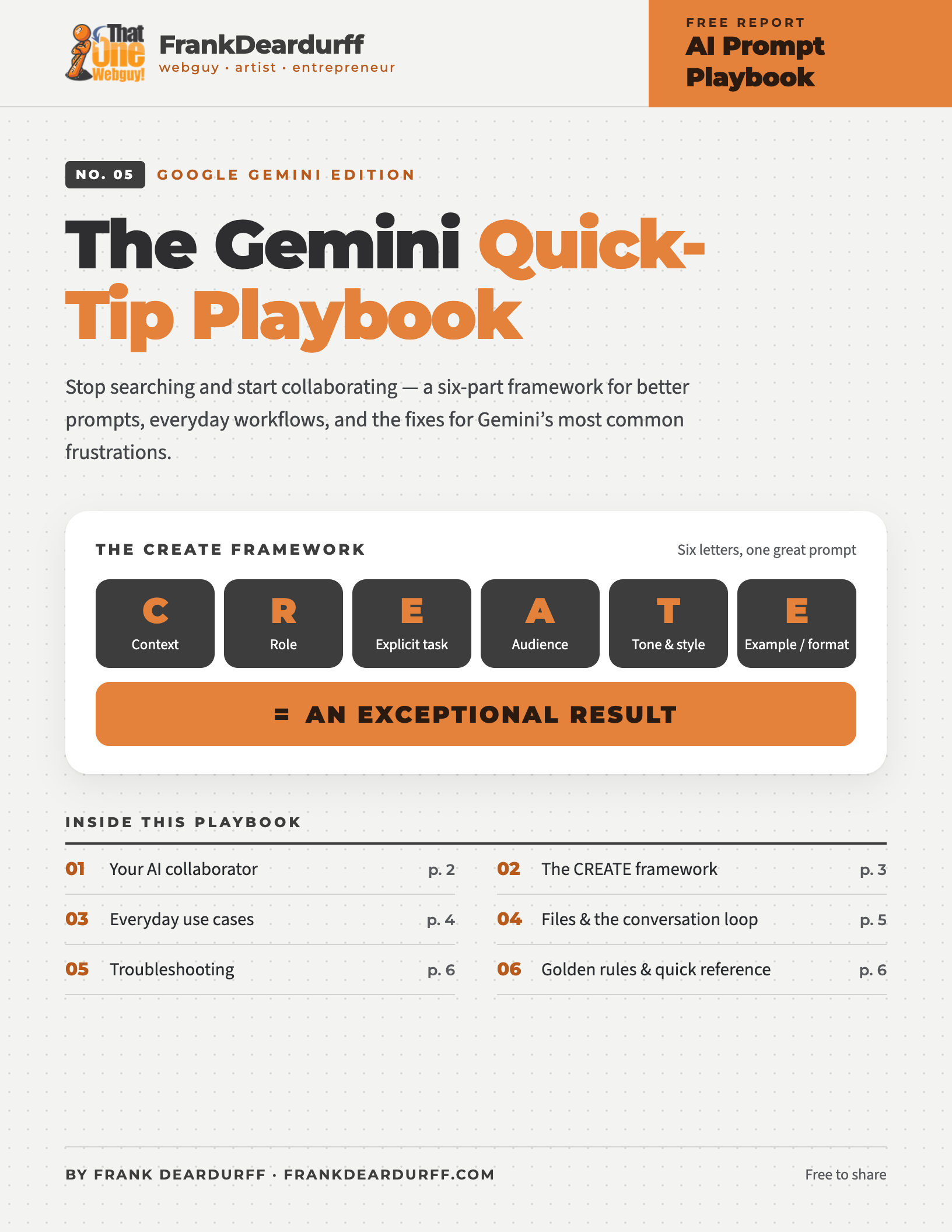
Free 6-page playbook
Gemini isn’t a database you query. It’s a collaborative partner you converse with. This free playbook gives you a six-part framework for better prompts, everyday workflows, and fixes for Gemini’s most common frustrations.
Download the free PDFWelcome to your AI collaborator
Traditional search
✕ Keyword-based
✕ Retrieves pre-existing web pages
✕ You sift through links and piece it together yourself
Gemini collaboration
✓ Context-aware
✓ Generates custom text, code, or analysis on the fly
✓ Adapts to your feedback in real time
Think of Gemini as a brilliant, incredibly fast assistant who knows a little about everything — but needs your direction to get things right. That’s co-creation:
You
provide
The vision · constraints · your voice · context · final editorial judgment
Gemini
provides
Drafts · rapid brainstorming · alternative perspectives · structure & formatting · heavy lifting on repetitive tasks
The CREATE prompt framework
A vague prompt yields a generic answer; a structured prompt yields an exceptional one.
✕ Poor prompt
“Write an email about our new product.”
Result: a generic, uninspired template that doesn’t fit your brand or audience.
✓ Masterclass prompt
“Act as an expert B2B SaaS copywriter. Write a 3-paragraph launch email for our new project management tool targeted at busy freelance designers. The tone should be warm, encouraging, and direct. Focus on how it saves them [X] hours a week. Format the output with clear subject line options at the top.”
Result: a targeted, on-brand draft that’s ready for minor tweaks.
Everyday use cases
Drafting from scratch: beat the blank page with an outline or rough draft.
Tone shifting: paste a formal email and ask:
“Rewrite this so it sounds friendly and approachable for a client.”
Editing: check for passive voice, grammar, and clarity.
Condensing long text:
“Extract the top 5 strategic takeaways and list any potential risks mentioned.”
Explaining complex concepts:
“Explain quantum computing to me as if I’m a 10-year-old, using a real-world analogy.”
Generating options:
“Give me 10 unique names for a neighborhood coffee shop that doubles as a plant nursery.”
The devil’s advocate:
“Here is my proposal for a remote work policy. Critique it from the perspective of an operations manager concerned about team culture.”
Go beyond typing
You aren’t limited to text. Upload PDFs, spreadsheets, documents, and images directly into the chat.
Upload a PDF receipt or financial table and ask:
“Extract all line items into a clean table.”
Upload a photo of a whiteboard sketch from a meeting and ask:
“Turn these rough notes into a structured project roadmap with deadlines.”
The conversation loop — never settle for close enough
When the answer misses the mark
Problem
The output is too generic.
Cause
The prompt lacked context and a role.
Quick fix
Add specific constraints: “Revise this to focus on mid-sized tech companies in North America.”
Problem
Gemini misunderstood the goal.
Cause
Too many instructions packed into one sentence.
Quick fix
Break the task into smaller, sequential steps across several turns.
Problem
The tone is off.
Cause
No style or persona was specified.
Quick fix
Start with: “Adopt a witty, professional, and concise tone.”
Golden rules for new users
Your CREATE prompt, ready to fill in
C I’m [WHO YOU ARE], working on [SITUATION]. R Act as [EXPERT ROLE]. E [EXACT TASK]. A This is for [WHO WILL READ IT]. T Keep the tone [TONE & STYLE]. E Format it as [FORMAT].
Keep it by your desk
Get the printable 6-page playbook
The CREATE framework, use cases, troubleshooting table, and fill-in template in a clean PDF.
More free AI playbooks
- ChatGPT Prompting Playbook
- Microsoft Copilot Prompt Playbook
- Claude Prompt Playbook
- Meta AI Quick-Tip Playbook
- Google Antigravity Quick-Tip Playbook
Free to share and print. See the copyright and sharing policy. Gemini is a trademark of Google LLC; this guide is independent and not affiliated with Google.