
Google Antigravity Quick Start: A Beginner’s Playbook
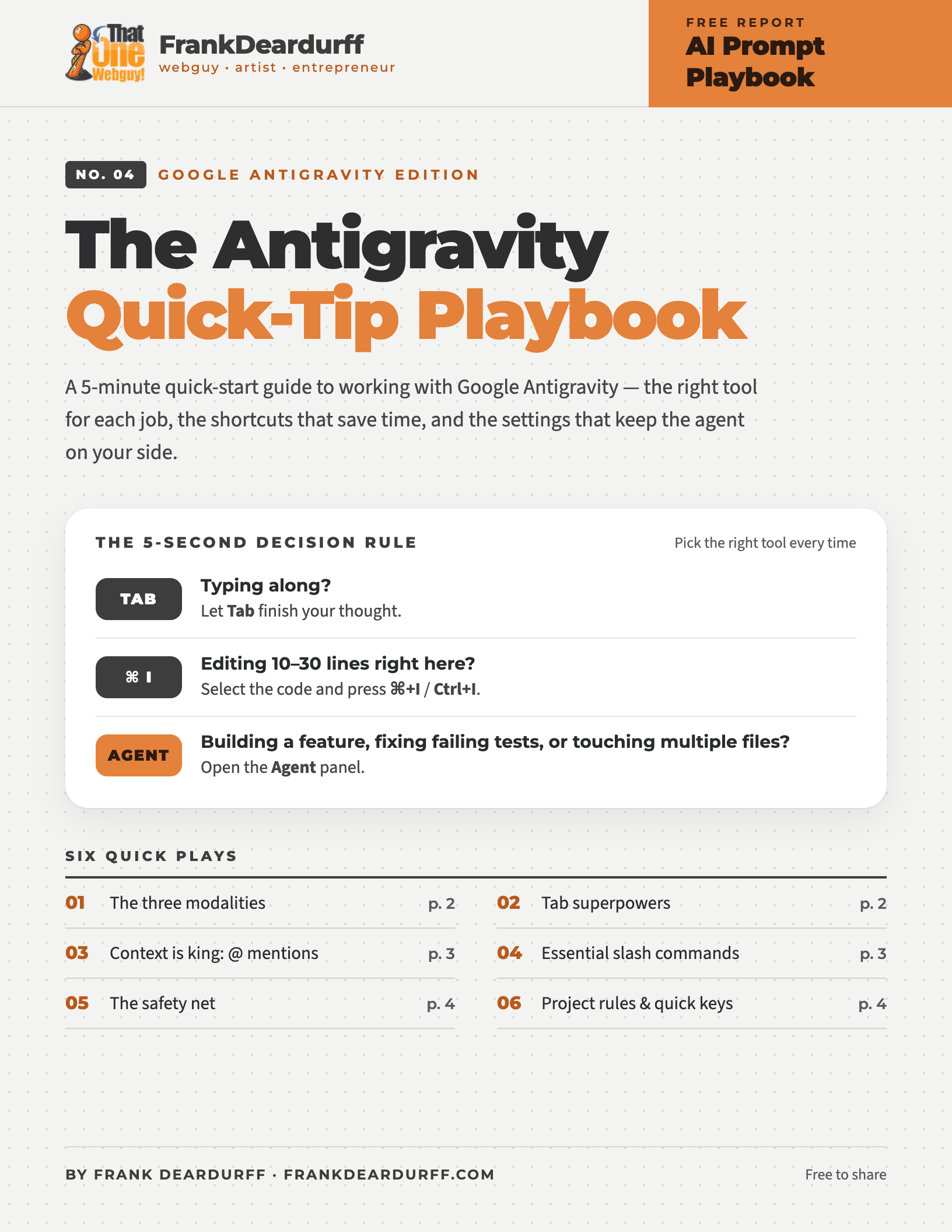
Free 5-page quick start
Google Antigravity is an agent-first code editor. This free 5-minute quick-start guide shows you the right tool for each job, the shortcuts that save time, and the settings that keep the agent on your side.
Download the free PDFThe 5-second decision rule
Play 1: The three modalities
Antigravity offers three distinct ways to work with AI. Using the wrong one is the most common source of beginner frustration.
Where In the code editor · Tab
Best for Line-by-line flow and typing
Multi-line autocomplete, smart cursor jumps, auto-importing packages.
Where Highlight code + ⌘ I / Ctrl I
Best for Targeted local edits
Rewriting a function, generating boilerplate, adding docstrings.
Where Side panel · ⌘ L / Ctrl L
Best for Multi-file features and debugging
An autonomous pair programmer that reads and edits files, runs terminal tests, and uses tools.
Play 2: Antigravity Tab superpowers
Finished editing a function parameter? Don’t reach for the arrow keys or mouse. When a “Tab to jump” hint appears, tap Tab to move straight to the next logical edit.
Reference a class or function that isn’t imported yet (like useState) and Tab completes the word and adds the import at the top of the file.
Suggestions aren’t limited to the next line. Supercomplete can propose edits throughout the file — like renaming a variable everywhere or updating a related function.
Don’t want the whole suggestion? Accept it word by word with ⌘ → / Ctrl →, or press Esc to dismiss it.
Play 3: Context is king — use @ mentions
The agent is only as smart as the context you feed it. Rather than pasting code into chat, point it at exactly what it needs.
@file / @folder
Pin a specific file or directory straight into the prompt’s context.
@terminal
Attach recent terminal output, like a stack trace from a failing test. Or select output and press ⌘ L.
Problems → Send to Agent
Hand compiler errors and linter warnings to the agent, or click “Explain and fix” on an error.
Screenshots
Paste screenshots of UI bugs or design mockups directly into the chat.
✕ Anti-pattern
“Why is my API route failing?”
✓ Best practice
“Why is @auth.ts throwing the 401 error shown in @terminal?”
Play 4: Essential slash commands
/plan Look before you leap
Use before large tasks. The agent researches your code, asks about anything unclear, and drafts a plan of steps and risks for you to approve or redirect before it touches code.
/grill-me Architecture interview
Unsure of edge cases? The agent interviews you to nail down design details and requirements before it builds.
/goal High-autonomy mode
For long-running debugging or test sweeps. The agent keeps building, diagnosing, and fixing on its own until the goal is met.
/learn Save the lesson
Corrected the agent on a project quirk? /learn turns the session’s corrections into persistent rules or skills, so you don’t repeat yourself.
More to explore: /boost for deep reasoning on hard bugs, /browser for web research, and /schedule for recurring tasks.
Play 5: The safety net
The agent doesn’t quietly change your files. Proposed edits appear as diffs you can Accept all, Reject all, or Review change by change. Comment on its plan, task list, and walkthrough to steer the work.
Agent commands can run in a sandbox that blocks sensitive files like .env and SSH keys. Choose Require Review, Proceed in Sandbox, or Always Proceed in the agent settings. On Windows the sandbox is off by default.
Went the wrong direction? Use Undo changes up to this point in the chat to rewind the agent’s edits to that step.
Play 6: Stop repeating your project rules
You don’t need to restate your guidelines in every prompt. Write them down once and Antigravity reads them for you.
your-project/
├── AGENTS.md  # or GEMINI.md
└── .agents/
    └── rules/
        ├── react-style.md
        └── testing.md

~/.gemini/GEMINI.md  # every project
AGENTS.md / GEMINI.md
Top-level instructions that always apply, like “Always use pnpm, never npm” or “All UI components must be accessible.”
.agents/rules/
Topic-specific markdown files. Each can apply always, only to matching files, or when you @-mention it.
Antigravity quick keys
Antigravity changes quickly. Type / in the agent chat to see the current list of commands.
Keep it by your keyboard
Get the printable 5-page quick start
All six plays plus the quick keys card in a clean PDF.
More free AI playbooks
- ChatGPT Prompting Playbook
- Microsoft Copilot Prompt Playbook
- Claude Prompt Playbook
- Gemini Quick-Tip Playbook
- Meta AI Quick-Tip Playbook
Free to share and print. See the copyright and sharing policy. Google Antigravity is a trademark of Google LLC; this guide is independent and not affiliated with Google.